If you’re visiting London and the UK from abroad, I’m sure that you’d like to be able to use your phone to access Google Maps, look up information, buy last-minute theatre tickets, and of course communicate with your travel group and your friends and family back home. But it can be confusing to figure out what’s the best way for you to stay connected that isn’t TOO expensive but is also convenient. So in this article I’ll give you some options so you can work out which will work best for your trip and situation. You’ll be connected in no time.
*Some of the links in this article will earn a small commission if you click them and then purchase something. Thanks in advance for your support!
What you’ll need your phone for on your London trip
Before we get into the “how,” let’s talk about the “why”, aka all the moments you’ll be VERY glad to have your phone ready to go:
Getting around the city
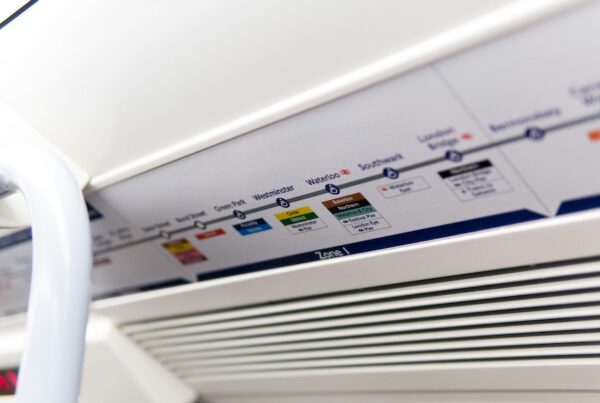
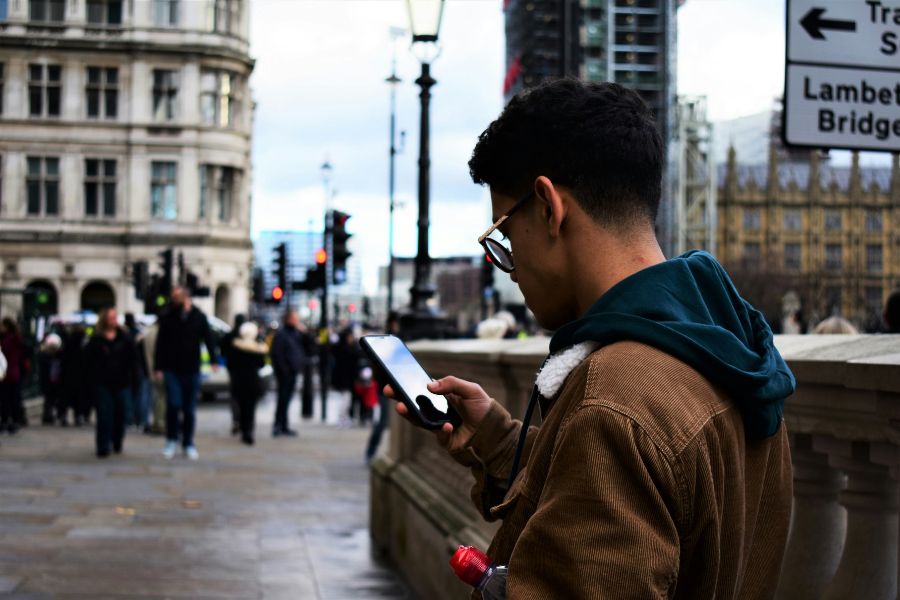
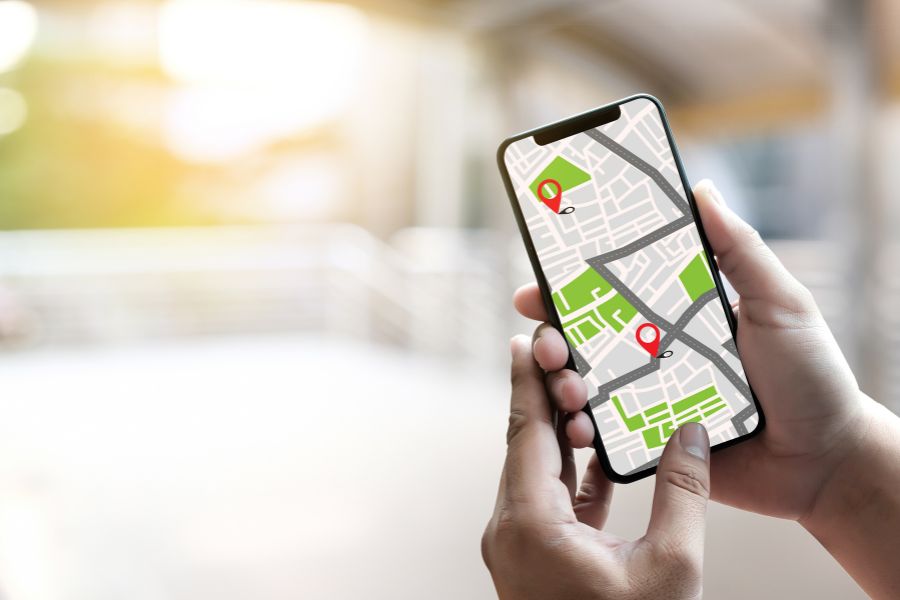
London is a MASSIVE city, to the point that New York City (I’m talking all five boroughs BTW) can fit into Greater London TWICE based on land area. So, whether you’re walking, grabbing the Tube, ordering a taxi/ride share, or even just following our London itinerary, you’ll find a navigation app like Google Maps or Citymapper is 100% necessary.
It gives real-time transport info, tells you which Tube carriage to get on, and what station exit to take. It also generally makes you feel like you can get around London seamlessly wherever you end up.
Contactless cards for the Tube
Tapping your contactless card is the best way to pay for public transport in London. I go into this in more depth in my guide on how to pay for public transport.
Related: How to Pay for Kids on Public Transport When Visiting London
E-tickets for attractions
Forget about printed tickets. These days, most attractions in London offer e-tickets, so you can book everything ahead of time and store it in an email file or wallet on your phone. I really recommend doing this prior to your trip so you don’t have to worry about booking anything once you arrive.
That said, if you do want to be a bit spontaneous or flexible about your plans, you can book certain attractions and tours on the fly using sites like Viator or Get Your Guide.
Buying things
London is very much a contactless city, so you’ll find that contactless payment is virtually everywhere, including cafés, shops, bakeries, restaurants and more. Even a lot of markets will allow you to pay by card/contactless, but it is still a good idea to have a small amount of change for those very rare cases when a place is a bit old-school and doesn’t take cards or for leaving tips.
On this, if you have a card with foreign transaction fees, make sure you consider some other options before travelling. You really don’t need to be paying fees on international transactions in 2026.
Finding great places to eat in London while out and about
As a rule of thumb, I’d say it’s a good idea to book some restaurants in advance because London eateries often get quite busy, no matter what time of year. However, if you do want to leave a few meals to the beauty of spontaneity, it’s handy to jump on Google Maps to see the best options nearby. I live by only choosing places with 4.5 stars+ because that’s where you’ll find the diamonds.
In our London Itineraries, we’ve got PLENTY of vetted suggestions throughout our route (all of which we’ve tried and tested) so you can pick nearby places last minute. You can also use apps like Open Table to snag last-minute reservations, and avoid ending up at mediocre places serving meals you won’t bother writing home about. Life’s too short to waste money on bad food!
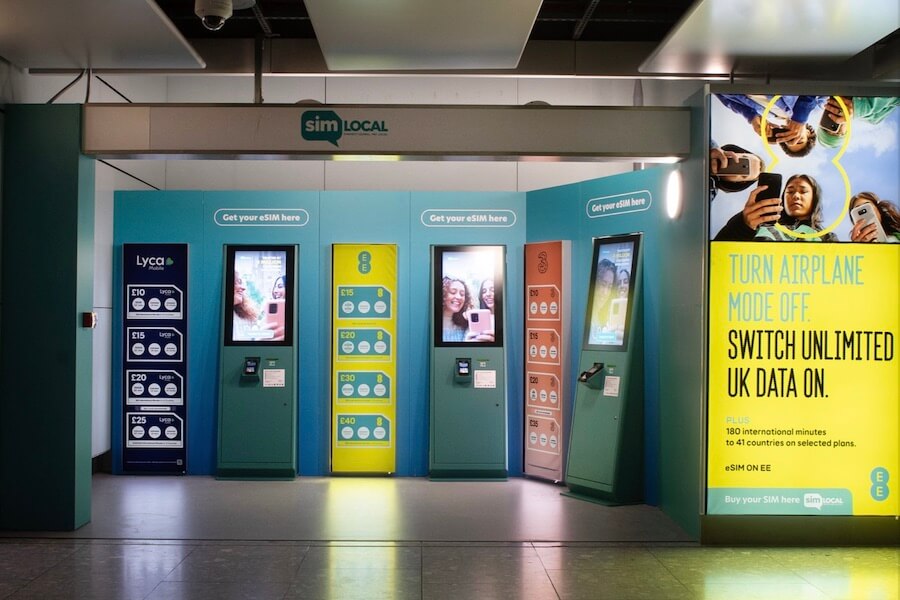
Image Courtesy of SimLocal via Facebook
How can you stay connected while on the go in London?
Depending on your phone and your current plan, there are a few options you can look into:
Check with your phone provider about an international plan
Some mobile providers have reasonably priced international plans for limited amounts of time. This is usually the easiest option for being able to use your phone while in London, but the price of this will vary from carrier to carrier. Call your provider to see what options they can offer for using your phone in London while you’re visiting, and if it seems like a reasonable daily charge, then go with this option.
Use an eSIM
The next best way to be connected abroad is getting an eSIM. That way, you’ll get to use data just like you would at home without having to change your phone number (which you would have to do with a regular SIM). My personal favourite eSIM recommendation is SimLocal.
To use it, all you need to do is download the SimLocal eSIM app or visit their website, choose a SIM for the UK and the amount of time you will be travelling, then buy it and set it up. No postage of a physical SIM is required, it’s entirely online.
It’s definitely better to do before you leave, just so you have it sorted as soon as you land, but if you’re flying into Heathrow, you can also head to one of SimLocal’s kiosks, stores and vending machines located throughout the terminals to sort your eSIM package.
How to find wifi around London
Yes, free Wi-Fi exists in London, however, it’s not super reliable and there’s also the security aspect of using public wifi while checking banking apps and looking at other sensitive data.
It can help you out in a pinch though, but you probably don’t want to rely on it full-time. Here are some spots that are pretty foolproof:
Hotels: Pretty much all hotels in London will have free wifi. So you’ll always have it where you’re staying and then some bigger hotels that have cafés or restaurants might also have open wifi networks you can connect to while on the go.
Cafes and restaurants: Lots of cafés offer free Wi-Fi, but you usually have to buy something. The password is often scribbled somewhere near the counter or you can just ask and they’ll kindly provide it.
Airports: When you land in London, there is WiFi readily available in all terminals. You’ll probably just need to fill in some details and you’ll be online in no time.
Where to charge your phone in London
If your phone is anything like mine, you’ll find that using Google Maps drains your battery completely, so halfway through the day, I find myself needing to find a place to plug it in.
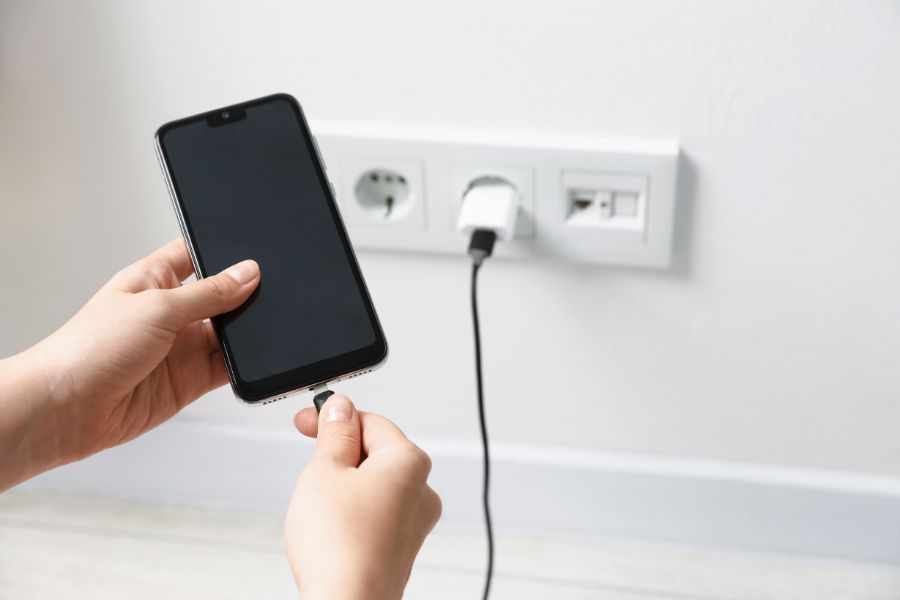
Obviously the easy fix to this is carrying a power bank, but if you’re stuck in a bind, there are a few places you can go to use a plug socket.
Stop into a cafe, bar or restaurant: Many eateries will let you plug in (or might even have a charger), especially if you ask nicely and order something.
Take the bus: A lot of buses in London have USB ports. I’ll admit, these don’t always work, but it’s worth a try if you’re desperate.
Take the train: The newer Elizabeth line trains have USB ports being installed, and a lot of the National Rail trains have power outlets or USB ports available for use on every seat.
ChargedUp power bank rental: If none of the above options work, you can grab a portable power bank rental found in cafes, bars and stations throughout London. Here’s a list of locations.
Now that you know how to use your phone in London, here are some other practical tips on London to read next: